
- To add a list to your blog post, click the plus sign (+) and select List, type /list on a new line, or simply use the bullet point icon on the toolbar. Press Enter after each item to create a new bullet.
| Important: Lists are a great way to break up your writing and make key information stand out for your readers. |
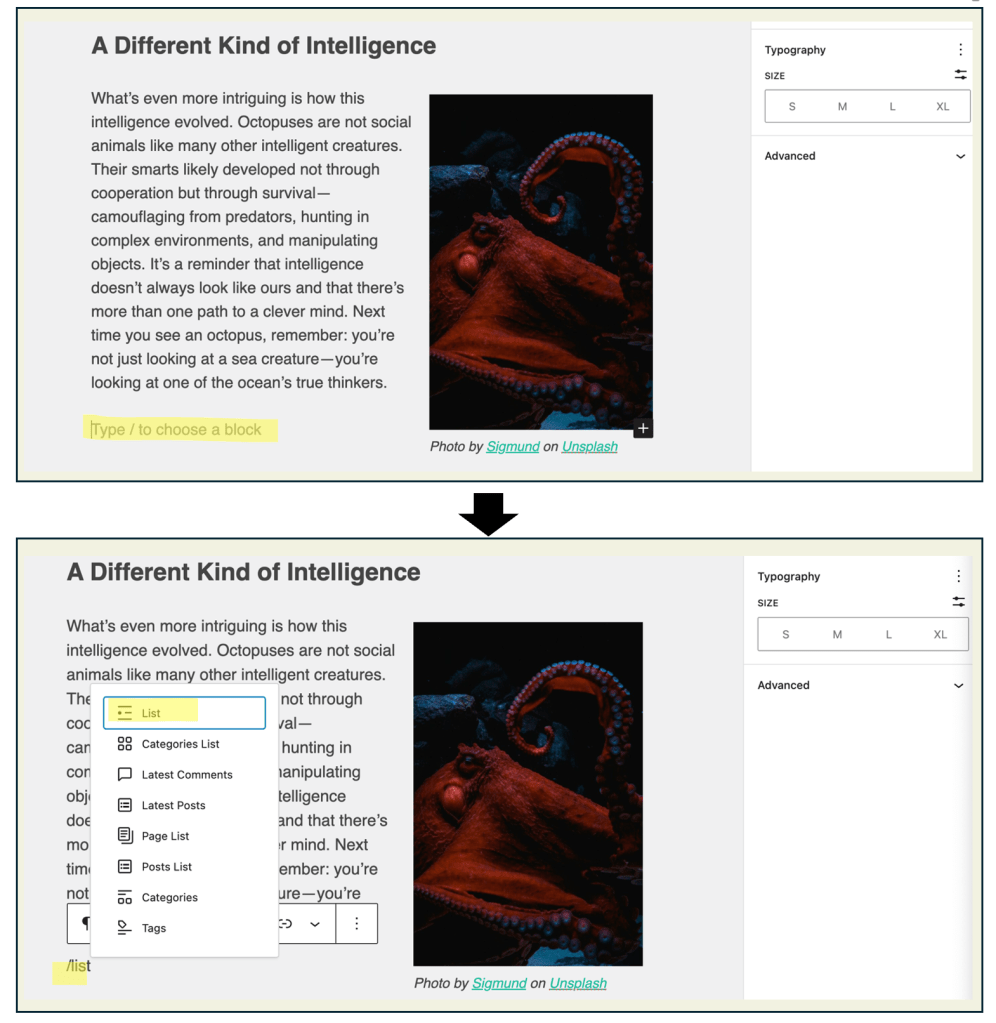
- You can also create a list by typing an asterisk (*) — that’s Shift + 8 — followed by pressing the space bar.

| Task: Practice creating a list in your blog post. Try using both the toolbar and typing * (Shift + 8) followed by the space bar. Decide whether a bulleted or numbered list best fits your information, and rewrite one paragraph from your draft as a list to make it clearer and easier to read. |
 Digital Literacy Tutorials