
| Goal: Be able to change your email preferences in Brightspace so that you receive emails for announcements and any other updates you’d like. |
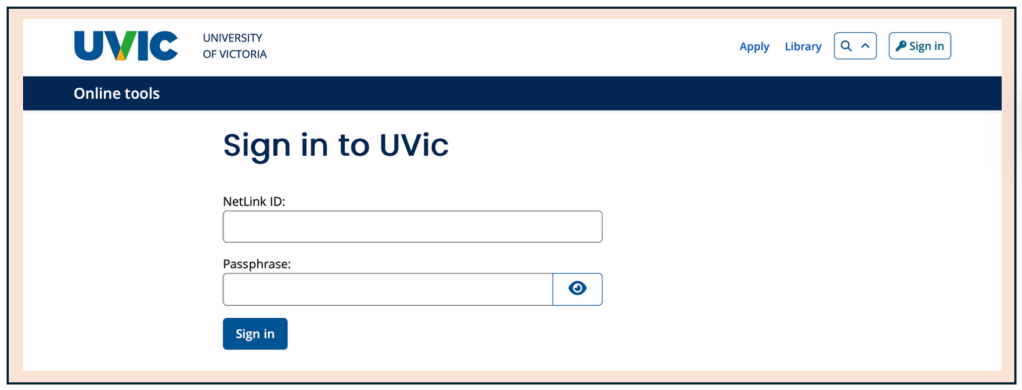
- Navigate to bright.uvic.ca and log in with your UVic credentials.
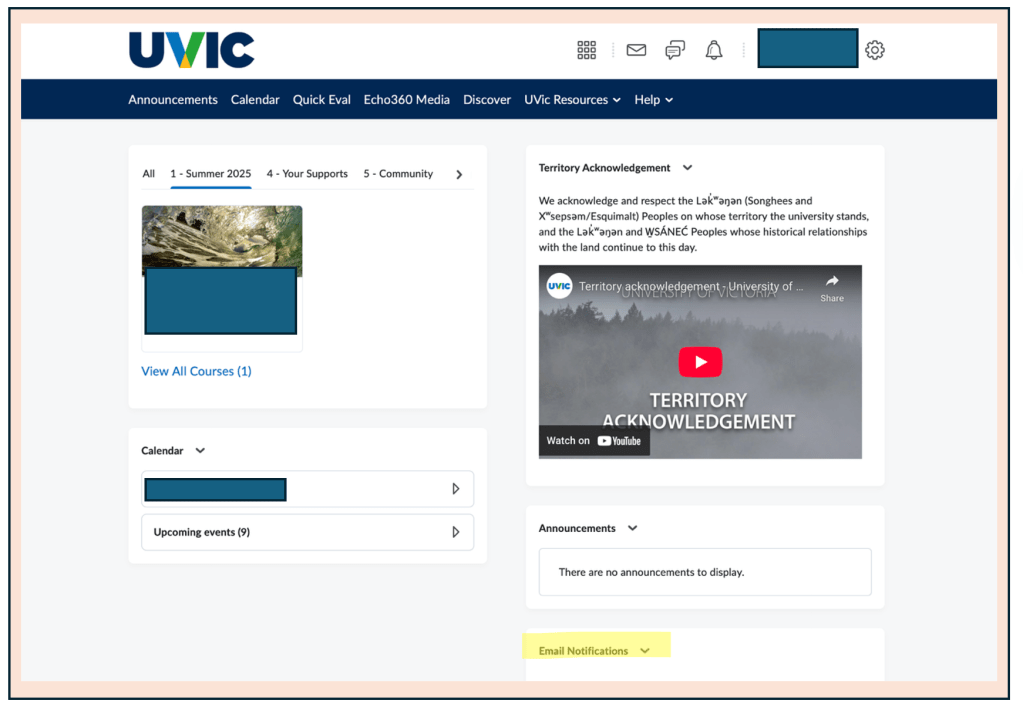
- Once you reach your main page, look on the right-hand side for a section labeled “Email Notifications.”
- Select “Update Email Notification Settings.”
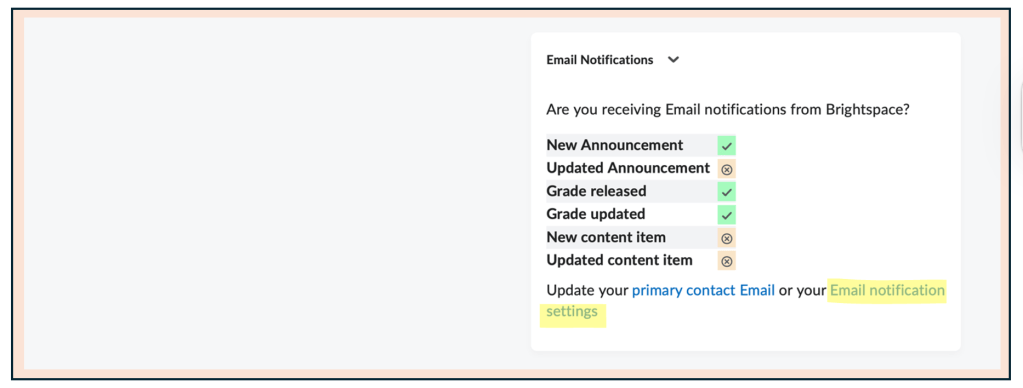
| Important: You need to ensure that you have a checkmark next to “New Announcement.” The rest of the settings are up to you. |
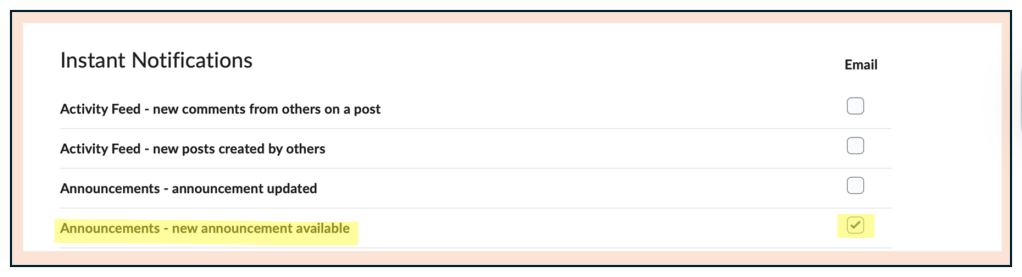
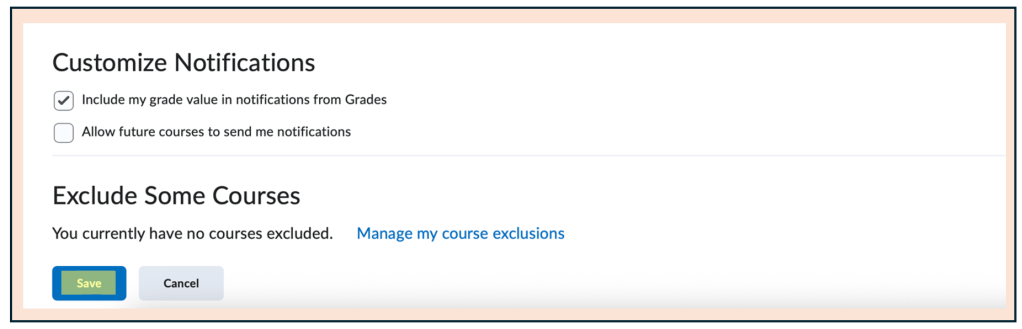
- Don’t forget to press Save!
 Digital Literacy Tutorials